
How to Rank in Google Maps and Earn a Spot in the Local Pack
If you want to know how to rank in Google Maps, start with this: Google doesn’t reward the loudest listing. It shows the businesses that best match the search, sit within a sensible distance of the searcher, and look established across the web. Your Google Business Profile, your reviews, your website, your citations, and your local reputation all feed that decision.
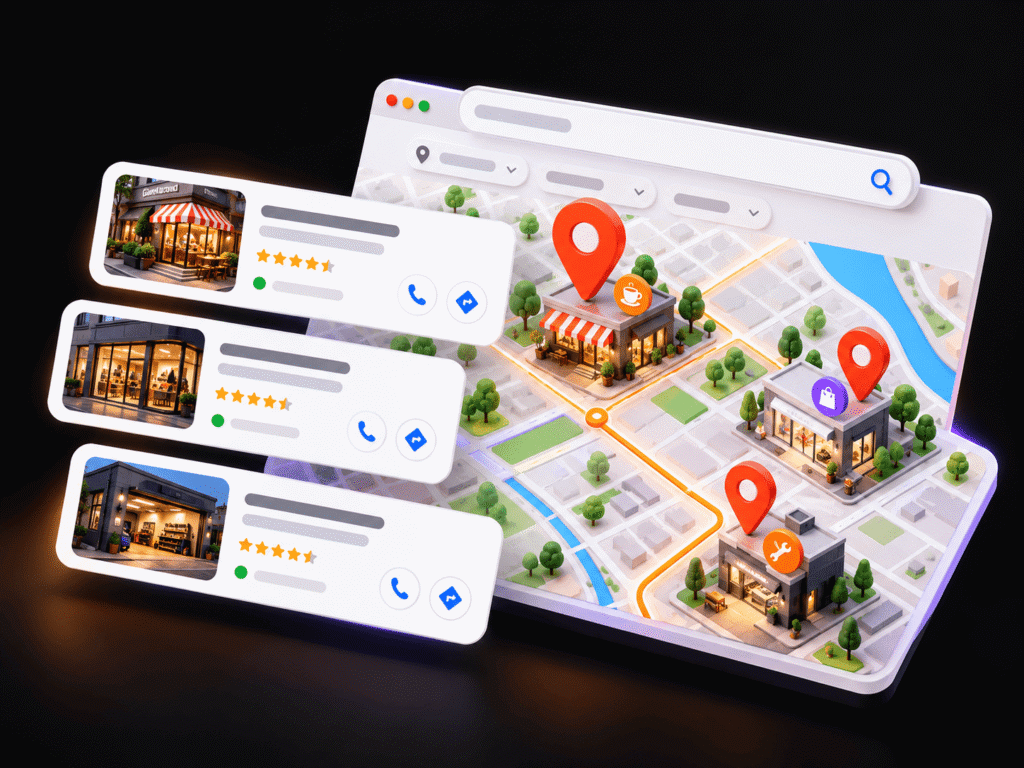
How do you rank in Google Maps?
What Is the Google Local Pack?
The Local Pack is the block of map-linked business listings that appears near the top of Google Search for local queries.
Search “emergency plumber in Dallas” or “coffee shop near me” and you’ll usually see a small map with a short list of businesses underneath, each showing ratings, hours, and buttons to call or get directions. People often call it the Google 3 Pack because it typically shows three listings.
The Local Pack pulls from the same business data that powers Google Maps. When someone opens the Maps app and searches, they see a longer, scrollable version of those local search results. So when you work on Google Maps SEO, you’re working on both at once.
Local Pack visibility puts your phone number and directions in front of people at the exact moment they’re ready to act. A homeowner with a leaking pipe doesn’t read ten blog posts. They tap the first credible listing and call. That’s why owners care so much about local search visibility, and why local SEO gets treated as its own discipline rather than a side task.
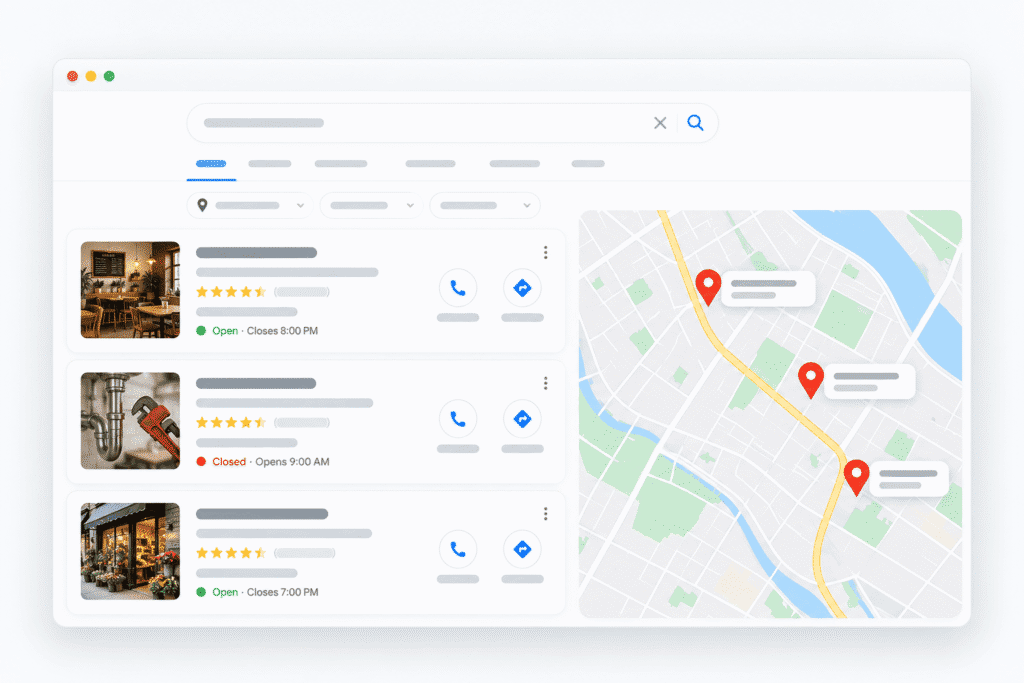
How Google Maps Rankings Work
Google says local results rest mainly on three ideas: relevance, distance, and prominence. Google’s own help page on improving your local ranking on Google lays these out, and it also states plainly that you can’t pay for a better local ranking.
Google doesn’t publish exact weights for these signals, and you can’t control all of them. A business two miles from the searcher sometimes loses to one five miles away because the farther business matches the query better. That’s normal, and it’s why a balanced local SEO strategy beats chasing one factor.
How to Rank in Google Maps: The Ranking Factors That Matter
Local ranking factors fall into a handful of groups, and no single one guarantees a top spot. Think of them as reasons you’re giving Google to trust and show your listing. The strongest local presences cover all of them reasonably well instead of maxing out one.
Local Keyword Research
Local keyword research means finding the exact phrases nearby customers use when they need you. These phrases shape your service list, your profile description, and your website pages.
- Service + city and service + neighborhood phrases
- Near me searches from people ready to act
- Location-specific questions about price, timing, and process
- Customer language from calls and reviews, which often differs from industry jargon
- Search intent: call now, compare prices, or read about a problem
- Competitor research: services and terms top local competitors list
- Profile services you can add to your Business Profile
- Website service pages for terms that deserve their own page
Write for people first. Repeating a city name in every sentence doesn’t help anyone and reads like spam. Mention your location where it makes sense, the way you would in a conversation.
Website SEO for Google Maps
Your website supports your Maps listing by confirming what you do, where you do it, and why customers trust you.
The profile links to your site, and Google reads both. A thin, one-page site gives Google little to connect with local searches.
Maps rankings and organic rankings are related but not identical. Strong on-page SEO helps your website rank in regular results and backs up your profile’s relevance. Fixing crawl errors, broken pages, and slow templates through technical SEO keeps that support solid. For the bigger picture, our explainer on how search engine optimization works covers the organic side.
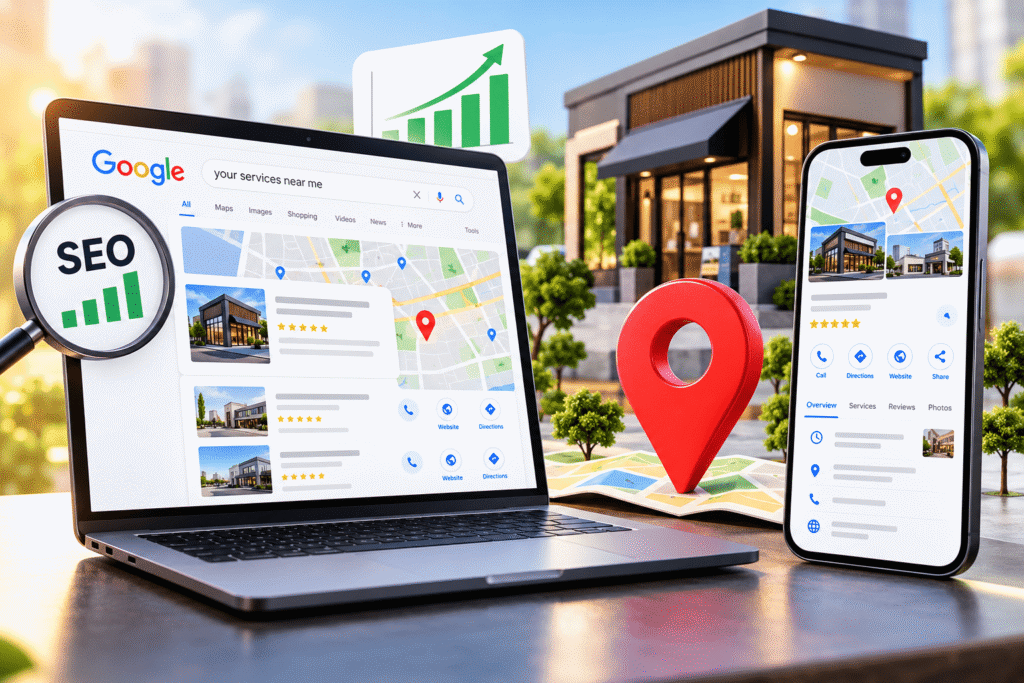
- Service pages: one clear page per core service, written for the customer's problem
- Location pages: pages for areas you genuinely serve
- Local keyword targeting: natural service and area terms in titles, headings, and copy
- Search intent: pages that answer what the searcher wants, from pricing to booking
- Internal linking: links between related services and locations
- Local content: area-specific information that proves local knowledge
- Mobile-friendly design: easy reading and tapping on small screens
- Page speed: fast load times, especially on mobile data
- LocalBusiness schema: structured data following Google's LocalBusiness structured data documentation
- Consistent business information: the same NAP details as your profile and citations
Mobile and "Near Me" Searches
Most local searches happen on phones, often from people ready to act within minutes.
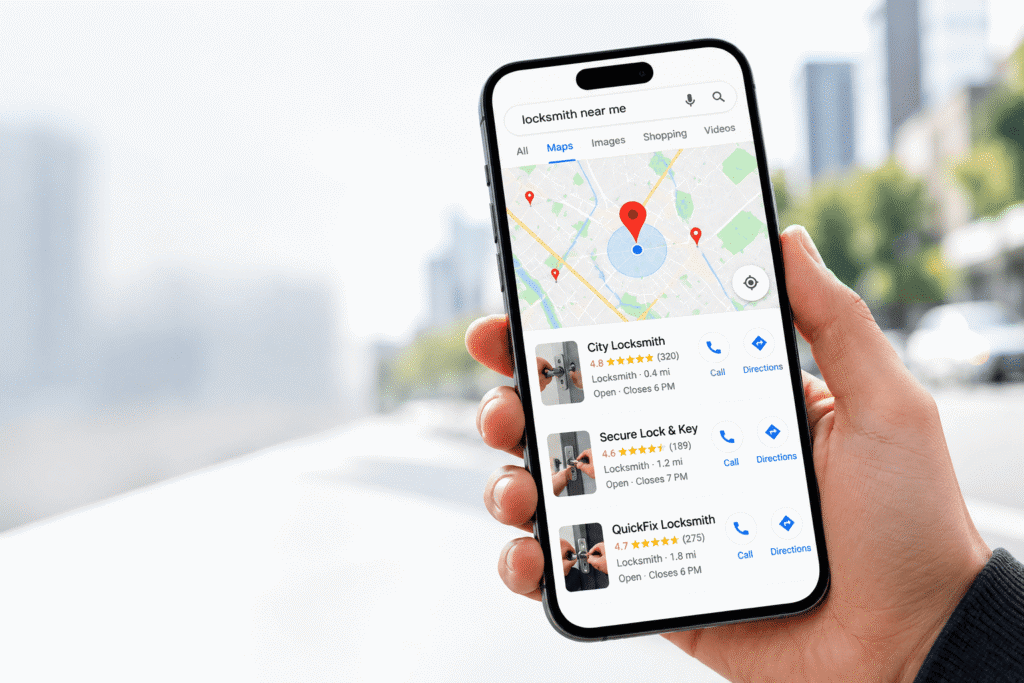
Someone searching “locksmith near me” at 11 p.m. wants to call, not browse. Near me searches rely on the searcher’s location, so accurate address or service area settings matter. Click-to-call buttons, direction requests, and correct hours turn that visibility into real contact. A listing that says “open” when you’re closed costs you the customer and the review.
- Put a tappable phone number at the top of your site on mobile.
- Keep forms short.
- Make directions and parking details easy to find.
- Test your site on an actual phone, not just a desktop preview.
Common Google Maps SEO Mistakes
Most Maps visibility problems come from a short list of avoidable mistakes. Open each one to see the fix.
01. Keyword stuffing the business name
Adding “Best Plumber Dallas” to your name breaks Google’s guidelines.
Fix: change the name back to your real-world business name.
02. Choosing irrelevant categories
Extra categories for services you don’t offer weaken relevance.
Fix: keep only categories that match real services.
03. Fake reviews
Reviews from friends posing as customers, or reviews you write yourself, break Google’s policies.
Fix: remove any you control and build a real review request process.
04. Buying reviews
Paid review services put your profile at risk.
Fix: stop immediately and focus on asking real customers.
05. Duplicate profiles
Two profiles for one location split your signals and confuse customers.
Fix: request removal or merging through Business Profile support.
06. Incorrect business information
Wrong hours or an old phone number send customers away.
Fix: review every profile field monthly.
06. Inconsistent NAP
Mismatched directory details create doubt.
Fix: run a citation audit and correct your top listings first.
01. Ignoring reviews
Unanswered reviews, especially negative ones, look like no one’s listening.
Fix: reply to every new review within a few days.
02. Creating thin location pages
Near-identical city pages add nothing useful.
Fix: merge weak pages or rewrite them with real local detail.
03. Spammy backlinks
Bulk links from unrelated sites carry risk.
Fix: earn mentions through real local relationships instead.
04. Irrelevant directory submissions
Hundreds of low-quality directories don’t help.Fix: focus on major platforms and industry or local directories.
05. Ignoring mobile usability
Pick a primary category that best describes your main business, A clunky mpbile site loses callers.
Fix: test key pages on a phone and fox buttons, froms, and speed
06. Do Google reviews help local rankings?
Reviews influence both trust and local visibility, and their quantity, quality, and recency all play a part. Ask customers for reviews ethically and respond to them professionally. Never buy, fake, or gate reviews, which breaks Google’s policies and can lead to penalties.
Getting Help
When Should You Hire a Local SEO Agency?
Professional help makes sense when local SEO work outgrows the time or skills you have in-house. Many owners handle the basics themselves, and that’s a fine place to start. Outside help tends to pay off when you face:
- A highly competitive local market
- Multiple locations to manage
- A weak or messy Business Profile
- Widespread citation problems
- Complex service areas
- Low visibility despite basic fixes
- A need for ongoing local SEO work
- A need for ongoing local SEO work
- Technical website issues
An honest agency explains what it will do, how it will report progress, and what’s outside anyone’s control. If you’d like a team to handle the wider search side too, our SEO services cover organic and local work together.
Frequently Asked Questions
Have questions about Markro Digital’s services or how we execute projects? Here are answers to the most common questions we receive. If you need more customized information, feel free to reach out.
01. How to rank in Google Maps?
The short version of how to rank in Google Maps: complete and verify your Google Business Profile, choose the right categories, keep your business details consistent online, earn genuine reviews, and support your profile with a strong local website and relevant local links. Google weighs relevance, distance, and prominence together.
02. How does Google Maps ranking work?
Google Maps ranking combines relevance, distance, and prominence. Relevance checks how well your profile matches the search, distance considers how close you are to the searcher, and prominence reflects how well known your business is based on reviews, links, and mentions across the web.
03. Is Google Business Profile free?
Yes. Creating and managing a Google Business Profile is free. You can claim, verify, and optimize it at no cost. Some businesses choose to pay a professional for ongoing management and a broader local SEO strategy, but the profile itself does not require payment.
04. What is the Google Local Pack?
The Google Local Pack is the map and short list of local businesses that appears in Google Search for location-based queries. It usually shows three listings with ratings, hours, and buttons to call or get directions, and it draws from the same data as Google Maps.
05. How do I choose the right Google Business Profile category?
Fill in every relevant field accurately: business name, primary and secondary categories, description, services, hours, service area, attributes, and photos. Keep your real-world business name, post useful updates, and reply to reviews. Accuracy beats keyword stuffing every time.
06. How do I optimize my Google Business Profile for Maps?
Reviews influence both trust and local visibility, and their quantity, quality, and recency all play a part. Ask customers for reviews ethically and respond to them professionally. Never buy, fake, or gate reviews, which breaks Google’s policies and can lead to penalties.
07.Do Google reviews help Google Maps ranking?
Yes. Google states that review count and review rating factor into local ranking. Reviews also shape whether searchers choose you once they see your listing. Focus on genuine reviews from real customers and reply to both positive and negative feedback.
08. How important are local citations for Google Maps?
Local citations support the accuracy of your business information across the web. Consistent name, address, and phone details on major platforms and relevant directories reduce confusion for customers and search engines. Accuracy on key listings matters more than sheer volume.
09. Do backlinks help local rankings?
Relevant backlinks help build prominence, which is one of Google’s core local ranking concepts. Links from local organizations, industry associations, and local media carry the most value. Avoid paid link schemes, which add risk without lasting benefit.
10. How long does Google Maps SEO take?
It depends on your market, competition, and starting point. Profile fixes take effect relatively quickly, while reviews, links, and content build authority over months. Treat local SEO as an ongoing process rather than a one-time project.
11. Can a service-area business rank in Google Maps?
Yes. Service-area businesses can set the areas they serve and hide their address if customers don’t visit it. Distance and relevance still apply, so strong service pages, real area content, and reviews that mention locations served all help.
11. Why did my Google Maps ranking drop?
Common causes include changes to your profile, new or stronger competitors, inconsistent business information, a drop in review activity, profile suspensions, or broader updates to Google’s local results. Check your profile for edits, review recent competitor activity, and confirm your business details are still accurate.